
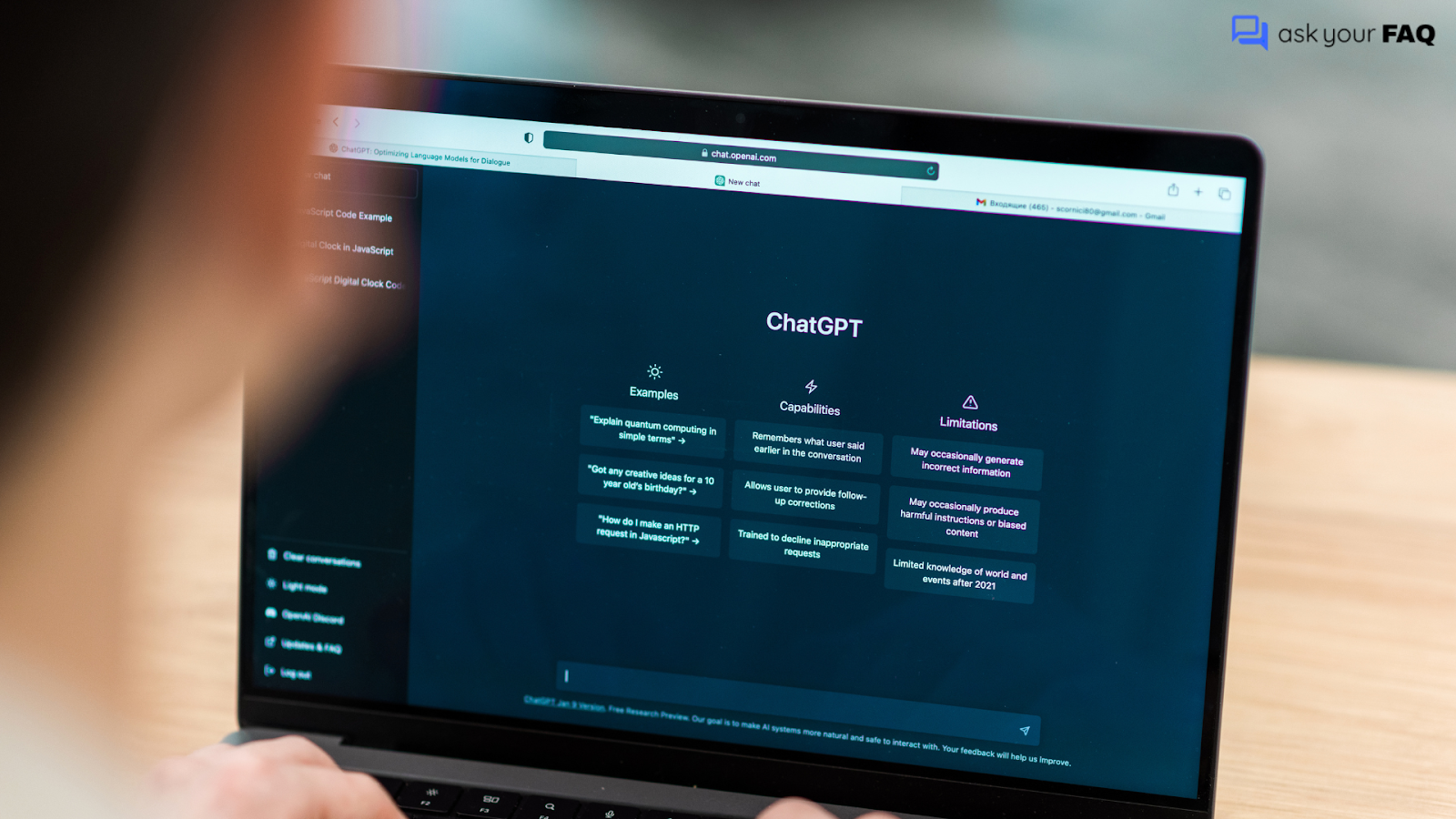
ChatGPT is widely used, but many users still do not understand how it actually works, what it can do, or which version they should use. People search for direct answers, not long explanations or technical language.
This FAQ covers the most common questions about ChatGPT in a clear and practical way. It explains what ChatGPT is, how it works, what features are available, and how it is used in real situations.
The goal is to give you accurate answers so you can decide how to use ChatGPT without confusion or guesswork.
ChatGPT Plans Comparison Table
| Feature | Free | Go | Plus | Pro | Enterprise |
| Access to ChatGPT | Yes | Yes | Yes | Yes | Yes |
| Advanced models | Limited | Limited | Yes | Yes | Yes |
| Reasoning models | No | No | Yes | Yes | Yes |
| Usage limits | Low | Low to moderate | Higher | Very high | Custom |
| Response speed | Standard | Standard | Faster | Fastest | Priority |
| GPT creation | No | No | Yes | Yes | Yes |
| GPT Store access | Yes | Yes | Yes | Yes | Yes |
| Image generation | Limited | Limited | Yes | Yes | Yes |
| Data used for training | Yes | Yes | Yes | Yes | No |
| Admin and team controls | No | No | No | No | Yes |
| Best for | Casual users | Light daily use | Professionals | Power users | Businesses |
1. What is ChatGPT?
OpenAI created ChatGPT as an artificial intelligence chatbot that uses large language models to understand natural language and generate human-like responses. It answers questions and helps with writing, coding, research, analysis, and problem solving through conversation.
2. What does GPT stand for?
GPT stands for Generative Pre-trained Transformer. It refers to a type of AI model that is trained on large amounts of text data and generates responses by predicting the most likely next words based on context.
3. How does ChatGPT work?
ChatGPT works by processing your input and generating a response through a structured language modeling flow.
- Input understanding: ChatGPT reads your question, identifies intent, context, and key terms, and determines what type of response is needed.
- Context processing: It considers the current conversation so that follow-up questions make sense, and responses stay relevant.
- Response generation: The model predicts the most appropriate words and sentences based on patterns learned during training, rather than pulling answers from a fixed database.
- Real-time output: Each response is generated instantly and uniquely for your prompt.
- Session-based memory: ChatGPT remembers context only within the active conversation unless chat history is enabled.
4. Where can ChatGPT be used?
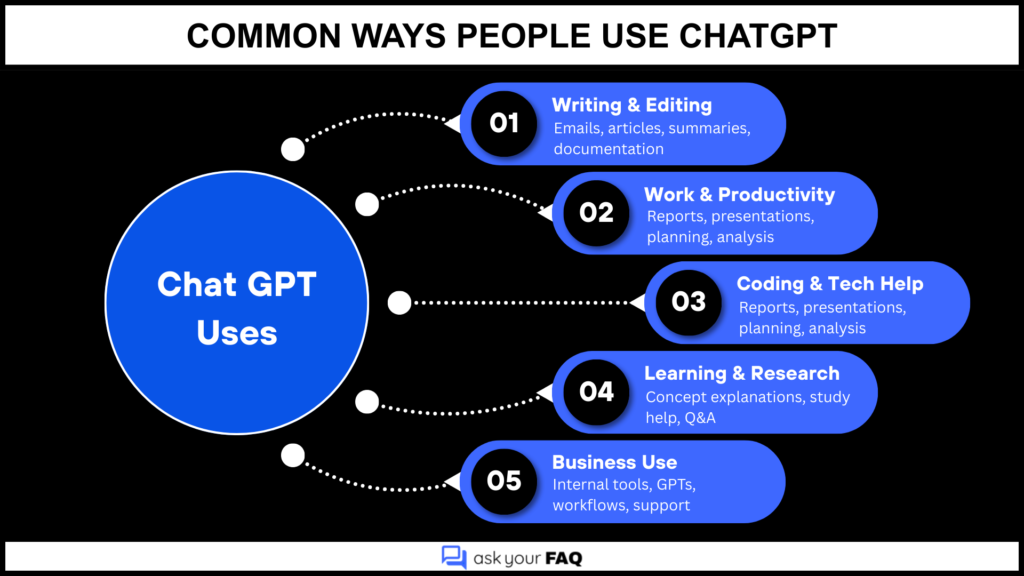
People use ChatGPT to draft content, summarize reports, generate code snippets, analyze data concepts, prepare presentations, write documentation, and support decision-making workflows.
5. How do I sign up for ChatGPT?
To sign up for ChatGPT:
- Visit the official ChatGPT website.
- Click the sign-up or create account button.
- Enter your email address and create a password, or choose to sign up using a Google, Microsoft, or Apple account.
- Verify your email if prompted.
- Once verified, you can log in and start using ChatGPT.
You do not need technical skills to sign up. An active email or supported third-party login is sufficient.
6. How do I start my first chat?
After logging in, you simply type a question or instruction into the chat box and submit it. The AI responds instantly and continues the conversation based on follow-up prompts.
7. What can I try first with ChatGPT?
You can start by asking factual questions, requesting explanations, writing emails, summarizing documents, generating ideas, or asking for step-by-step guidance on a task.
8. How can ChatGPT be used for work?
ChatGPT is used for drafting content, summarizing reports, generating code snippets, analyzing data concepts, preparing presentations, writing documentation, and supporting decision-making workflows.
9. Can ChatGPT search the web?
Yes, ChatGPT can browse the web when web access is enabled on supported plans. This allows it to retrieve up-to-date information instead of relying only on training data.
10. What is Temporary Chat in ChatGPT?
Temporary Chat lets users have conversations that do not save to chat history and do not contribute to training or model improvement.
11. Can I share a ChatGPT conversation?
Yes, ChatGPT allows you to create a shareable link so others can view a conversation without editing it.
12. Can ChatGPT generate images?
Yes, ChatGPT can generate images using AI image generation models when image tools are available in your plan.
13. Which ChatGPT plans are available?
ChatGPT offers multiple plans to fit different needs:
- Free Plan: Basic access to ChatGPT with standard models and usage limits.
- ChatGPT Plus: Paid subscription with access to more capable models, faster response times, and priority availability during peak demand.
- ChatGPT Go: Lower-cost plan designed for everyday general use with modest usage limits.
- ChatGPT Pro: Higher tier for advanced users with extended limits, priority performance, and access to more powerful models.
- Enterprise Plan: Custom business plan with administrative controls, enhanced security, and dedicated support.
14. What is ChatGPT Plus?
ChatGPT Plus is a paid subscription that provides access to more capable models, faster responses, and advanced tools compared to the Free plan.
15. Is there a ChatGPT Pro version?
Yes, ChatGPT Pro serves power users who need higher usage limits, priority performance, and extended access to advanced models.
16. What is ChatGPT Go?
ChatGPT Go offers a lower-cost option for basic and lightweight use, with limited access to advanced features.
17. How is ChatGPT Go different from Plus?
ChatGPT Go offers fewer features, lower usage limits, and limited model access compared to Plus, but at a reduced price.
18. Are reasoning models included with ChatGPT Go?
ChatGPT Go generally does not include advanced reasoning models, and higher-tier plans reserve those features.
19. What payment methods are supported for ChatGPT subscriptions?
ChatGPT subscriptions generally accept the following payment methods:
- Major credit cards such as Visa, MasterCard, and American Express
- Debit cards that support online recurring payments
- Region-specific digital payment options where supported by the platform
Available payment methods can vary by country and plan. You can add or update payment methods through your account’s billing settings.
20. What do people actually use ChatGPT for?
21. Can I switch from Plus or Pro to ChatGPT Go?
Yes, you can switch plans through your account settings, subject to plan availability and billing terms.
22. Will I receive a refund if I change my ChatGPT plan?
Refund eligibility depends on the subscription terms and the timing of the plan change. Refunds are not guaranteed.
23. What are GPTs in ChatGPT?
ChatGPT lets users create GPTs as custom AI assistants configured for specific tasks, roles, or workflows.
24. Who can create GPTs?
Users on eligible paid plans can create GPTs using the built-in GPT builder.
25. Do I need coding knowledge to create a GPT?
No, users can create GPTs without coding by providing instructions, rules, and examples using natural language.
26. How do I create a GPT?
To create a GPT in ChatGPT, follow these steps:
- Access the GPT builder: Log in to ChatGPT using an eligible paid plan and open the GPT creation interface.
- Define the purpose: Describe what the GPT should do, who it is for, and how it should behave using plain language.
- Set instructions and rules: Add clear instructions, tone guidelines, and boundaries so the GPT responds consistently.
- Choose tools and capabilities: Select optional tools such as browsing, file handling, or image generation if available on your plan.
- Test the GPT: Run sample prompts to check accuracy and adjust instructions as needed.
- Publish or keep private: Save the GPT for personal use, team use, or publish it to the GPT Store if eligible.
No coding is required. The entire process is handled through guided configuration using natural language.
27. What models can GPTs use?
GPTs can use available ChatGPT models depending on plan access, system availability, and performance limits.
28. What are some examples of GPTs?
Examples of GPTs include customer support assistants, writing and editing tools, coding helpers, research and summarization bots, internal knowledge assistants, and marketing or SEO tools. Each GPT is built for a specific task, making it more focused than a general ChatGPT conversation.
29. Can I turn chat history on or off in ChatGPT?
Yes. You can enable or disable chat history in your account settings. When you turn history off, ChatGPT does not save new conversations or use them to improve the models. When you turn history on, ChatGPT stores past chats for future reference and to improve your experience. Changing this setting does not affect conversations already saved.
30. What is the GPT Store?
The GPT Store is a marketplace where users can discover, use, and publish custom GPTs created by other users.
31. Can Free tier users create GPTs?
No, creating GPTs typically requires a paid ChatGPT plan.
32. Can Free tier users rate GPTs?
Yes, Free tier users can rate GPTs they interact with in the GPT Store.
33. Is GPT performance different on the Free tier?
Yes, Free tier users may experience lower performance, fewer features, and stricter usage limits.
34. Are there rate limits for GPT usage?
Yes, all plans have rate limits based on the model used and the subscription tier.
35. Can GPTs be integrated into other websites?
Yes, GPTs can be accessed or integrated through APIs or supported embedding options, depending on platform policies.
36. Can ChatGPT Enterprise customers use GPTs?
Yes, Enterprise customers can use GPTs with additional security, compliance, and administrative controls.
37. What happens when I delete a GPT?
When you delete a GPT, it is permanently removed from your account and becomes unavailable to all users. The GPT cannot be restored once deleted. Any links, integrations, or store listings associated with that GPT stop working immediately, and its configuration and instructions are permanently lost.
38. What happens if the owner of a GPT leaves an organization?
Access and ownership depend on organizational settings and administrative controls within the Enterprise environment.
39. How is privacy handled in ChatGPT?
ChatGPT applies data protection policies, user controls, and security measures to manage how conversations are stored and processed.
40. Is ChatGPT safe to use for business data?
ChatGPT offers different data handling policies by plan. Enterprise plans provide stronger data isolation and security controls.
41. Where can I read ChatGPT’s privacy policy and usage rules?
You can read ChatGPT’s privacy policy and usage rules on the official OpenAI website. These documents are published in the legal or support section and explain how data is handled, what information is collected, and the terms for acceptable use.
42. How do I export my ChatGPT data?
You can export your data through the account settings dashboard, which provides a downloadable data archive.
43. How do I delete my ChatGPT account?
Account deletion can be initiated from account settings and permanently removes user data after processing.
44. How do I contact ChatGPT support?
You can contact ChatGPT support through the in-product help or support options available in your account interface. This typically includes submitting a support request or accessing help articles. Some plans also offer priority or dedicated support channels.
45. Can ChatGPT replace human workers?
ChatGPT is designed to assist humans, not replace them. It supports tasks but does not make independent decisions.
46. Does ChatGPT always provide correct answers?
No, ChatGPT can produce incorrect or outdated information and should be used with human verification for critical tasks.
47. Can ChatGPT understand context across long conversations?
Yes, ChatGPT can maintain context within a conversation, though long chats may have practical limits depending on the model.
48. Can ChatGPT write code?
Yes, ChatGPT can generate, explain, and debug code across multiple programming languages.
49. Can ChatGPT be used for learning and education?
Yes, ChatGPT is widely used for explanations, tutoring support, study guidance, and concept breakdowns.
50. How do GPTs align with OpenAI’s mission?
GPTs extend access to useful, safe AI by allowing customization while maintaining responsible use standards.
51. Is ChatGPT suitable for long-term professional use?
Yes, ChatGPT can be used for long-term professional work when it is used with the right plan and clear safeguards. Many professionals rely on it for writing, research support, coding assistance, documentation, and workflow support.
For business or sensitive use cases, higher-tier or Enterprise plans are more suitable because they offer stronger data controls, higher usage limits, and better reliability.
Related Reads
14 Rule Based FAQ Chatbot Examples Enhancing Customer Support in 2025
What Is a FAQ Chatbot and How Does It Improve Customer Experience Online